EN
EN
What filter matching rule for dust proof cabinet cooling fan operating in cement factories
2026/09/30
Cement cabinets choke on dust. Learn the filter rule for an industrial cabinet cooling fan: G4/F7 media, IP rating, and pre-filter care.

2026/09/15
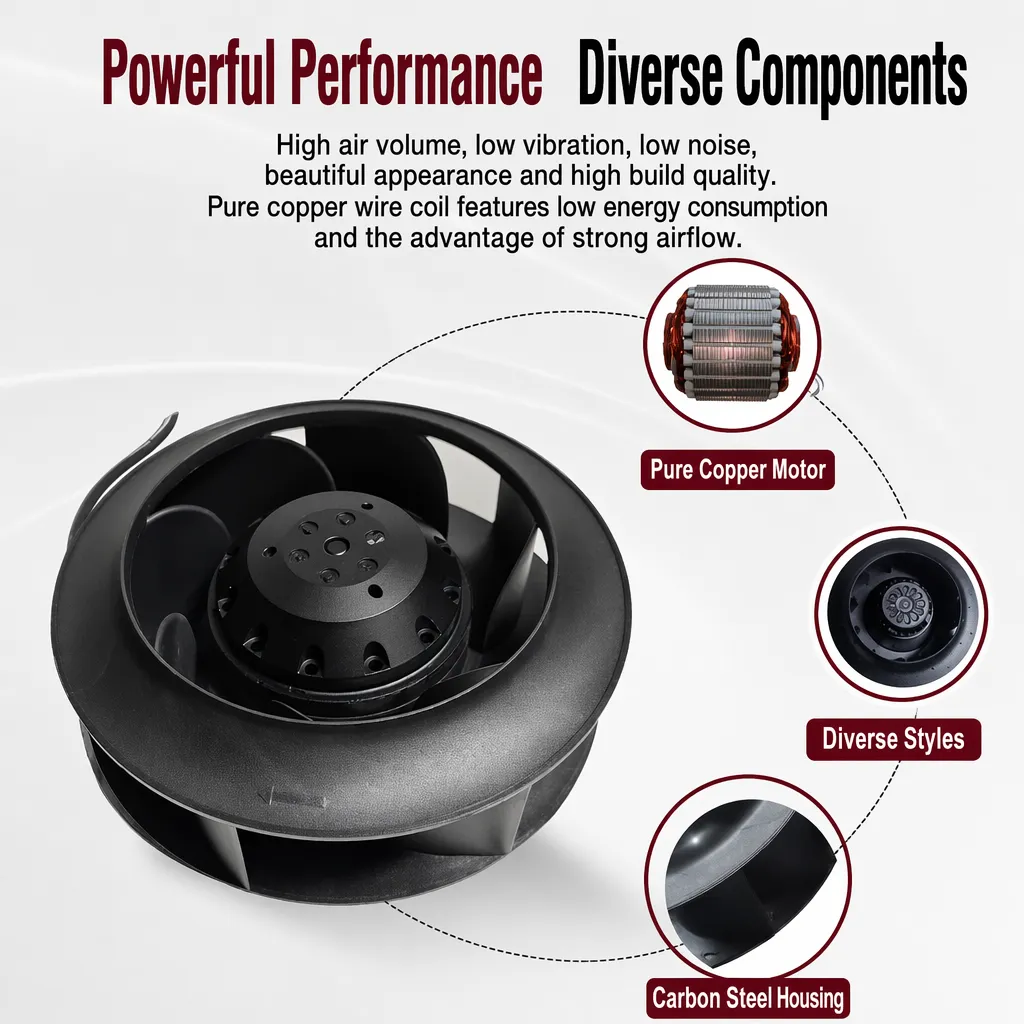
Hot air gathering at the top of a loaded cabinet quietly degrades every device mounted below it. A properly sized high velocity air mover fan changes that dynamic by forcing directional, high-speed airflow through the rack so warm exhaust cannot settle and re-enter the cold aisle. In dense server rack cooling, the difference between stable inlet temperatures and creeping hotspots comes down to whether air is actually exchanged or merely stirred inside the enclosure.
A regional colocation operator ran 42U cabinets populated with compute and storage nodes. The team saw top-of-rack thermal sensors reporting temperatures well above setpoint while lower units stayed in range. Early guesses blamed the room CRAC units, so supply pressure was raised, which only added noise without flattening the gradient.
The turning point came when they installed a high velocity air mover fan at the rear of the cabinet, mounted to pull exhaust upward through a dedicated plenum rather than letting it spill back over the top. After the change, top-of-rack sensors moved back toward the room baseline and the gradient flattened. No published efficiency figure is claimed; the gain appeared as sensor convergence, conservative and verifiable on-site.
Servers pull cool intake from the front and push warm exhaust at the rear. When that rear exhaust has nowhere to escape, it rises, meets the top panel, and curls back into the front intakes of upper units. This recirculation loop means each device breathes its own waste heat. A high velocity air mover fan is useless against this problem unless the exhaust path is separated from the supply path, because stirring shared air only redistributes warmth.
Inside the cabinet, static pressure drops as flow stagnates and component junction temperatures climb. Once an internal fan speeds up to compensate, it adds heat to that trapped volume. That feedback is a self-reinforcing thermal runaway no room-level system can correct from outside the rack. Breaking the loop requires moving air out of the cabinet entirely, not just accelerating it locally.
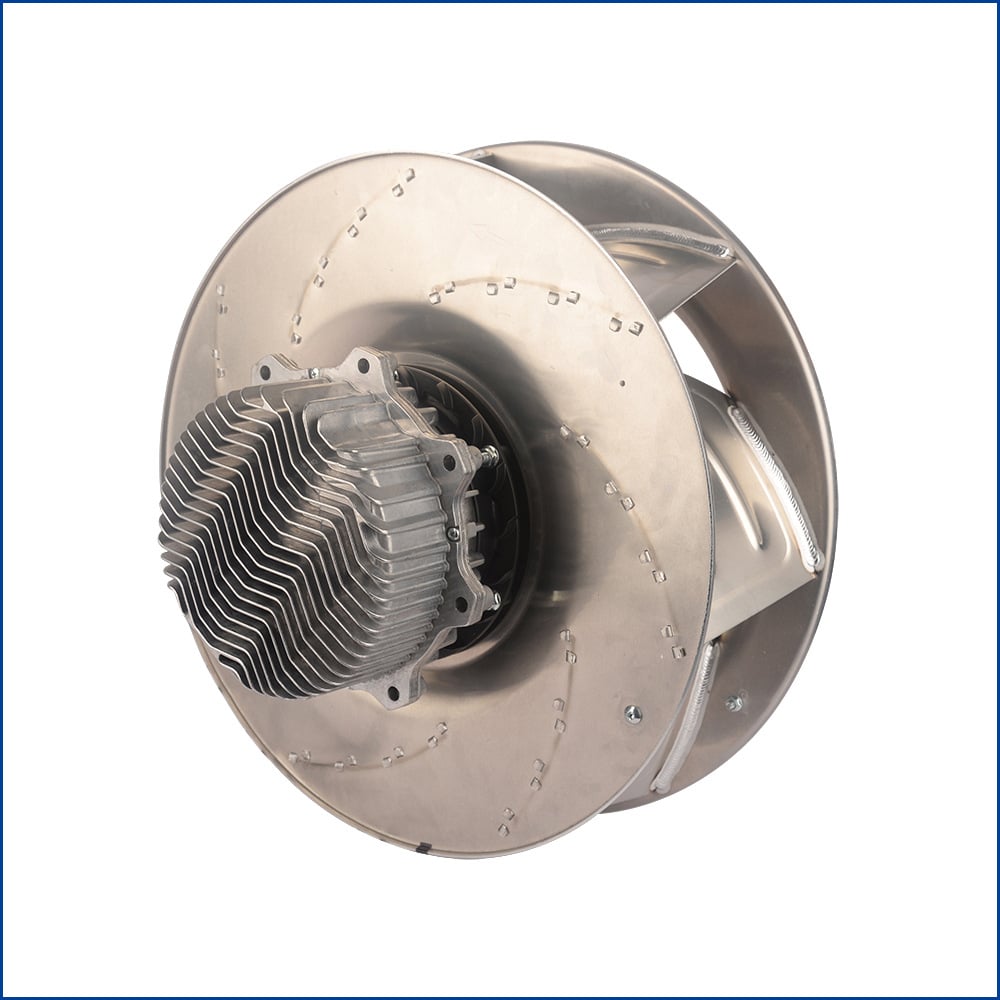
A datasheet free-air CFM rating is measured with no obstruction. At the rack, the fan pushes against intake filters, cable managers, and perforated panels. The meaningful figure is delivered airflow at the system static pressure, not the peak CFM on the label. A high velocity air mover fan built around an outer-rotor brushless motor and galvanized steel impeller holds its curve under load because the impeller sustains pressure where lighter axial designs stall. Procurement should request the pressure-flow curve and select the operating point, not the headline number.
Two paths define rack air: supply from cold aisle to front intake, exhaust from rear to return plenum. Hot air returns when the exhaust path is blocked or shorter than supply. Gaps around blanking panels, unsealed cable cutouts, and missing roof caps let warm air leak forward. Closing those leaks costs far less than adding fan capacity. The aim is clean separation so the cabinet ventilation fan moves air one way only.
ASHRAE Technical Committee 9.9 publishes thermal guidelines defining recommended and allowable inlet temperature ranges for IT equipment, commonly around 27°C recommended with an upper bound near 32°C for many classes. Exceeding those limits shortens component life and triggers performance throttling that quietly cuts capacity. A high velocity air mover fan keeps inlet air within that envelope by preventing localized overheating at the top of the rack, protecting uptime and hardware longevity without overcooling the entire room.
Physical arrangement matters more than raw speed. Mount exhaust fans at the top-rear so buoyant hot air is captured before it curls back into the cold aisle. A high velocity air mover fan working inside this layout draws warm exhaust upward through a short duct, while blanking panels and sealed grommets keep the cold path isolated. Its PWM control modulates duty cycle to match real load, holding inlet temperature steady and saving energy during low-traffic periods. This layout beats merely aiming more airflow at the symptom.
Read the pressure-flow curve at the expected static pressure and confirm the IP rating (IP44 or IP54 for dusty sites). Verify the operating temperature range — models rated from −25°C to +90°C suit most data center environments. Check the bearing type: imported precision ball bearings extend life under a continuous duty cycle. Confirm CE, UKCA, or IEC/EN compliance, and look for pure copper windings with internal thermal overload protection as durability signs. Match voltage and frame size to the cabinet before ordering.
Mount the unit so exhaust clears the rack top through a short duct rather than a free blow-off that redistributes heat. Keep intake filters accessible for monthly inspection in dusty sites and quarterly in clean rooms. Listen for bearing noise and watch RPM drift as early failure signs. A die-cast aluminum housing tolerates vibration, yet re-verify fixation after the first week. Schedule a semi-annual impeller clean and a thermal overload trip check, because steady heat dissipation depends on this routine more than peak specs.
Server-rack hotspots are rarely solved by colder rooms; they are solved by controlling exactly where air travels. A high velocity air mover fan, paired with blanking panels, sealed openings, and a top-rear exhaust path, breaks the recirculation loop that drives thermal runaway. Following ASHRAE inlet guidance and selecting a fan by its pressure-flow curve rather than free-air CFM keeps equipment inside safe limits. Regular inspection of bearings, filters, and impeller sustains that performance for the long term.
What causes hot air to gather at the top of a server rack?
Answer: Hot air naturally rises, and when rear exhaust cannot escape quickly it curls back over the top panel into the front intakes of upper units. This recirculation traps warm air inside the cabinet. Blocked exhaust paths, missing blanking panels, and unsealed cable openings make the problem worse. The result is a temperature gradient where top devices run hotter than bottom ones, reducing long-term reliability.
Where should an exhaust fan be mounted to stop recirculation?
Answer: Mount the fan at the top-rear of the cabinet so it captures buoyant hot air before the air can curl forward. Pair it with blanking panels and sealed cable grommets to separate cold and warm paths. A short rear duct carries exhaust directly to the room return. This arrangement forces one-directional airflow and prevents warm air from re-entering the cold aisle above the rack.
How does ASHRAE guidance relate to rack cooling?
Answer: ASHRAE TC 9.9 defines recommended and allowable inlet temperature ranges for IT equipment, often around 27°C recommended with higher allowable limits. Staying inside those ranges avoids throttling and extends hardware life. Rack-level fans help by keeping top-of-rack inlets within the envelope instead of letting localized hotspots form. The guideline states the target; the fan layout delivers it.
Why is static pressure more important than peak CFM?
Answer: A free-air CFM number is measured with no resistance, but a real cabinet adds filters, panels, and cables that create back-pressure. The useful metric is delivered airflow at the system static pressure. Fans that hold their pressure-flow curve under load move real air through obstructions. Choosing by peak CFM alone oversizes the unit or leaves the rack under-ventilated when it matters most.
When should cabinet fan filters be inspected?
Answer: A high velocity air mover fan performs only as well as its unrestricted intake. In dusty environments, inspect and clean filters monthly; in clean data centers, quarterly is sufficient. Watch for RPM drift and bearing noise as early failure signs, and clean the impeller semi-annually. Re-verify fixation after the first week of operation. Consistent maintenance sustains airflow and prevents the return of top-of-rack hotspots.
2026/09/30
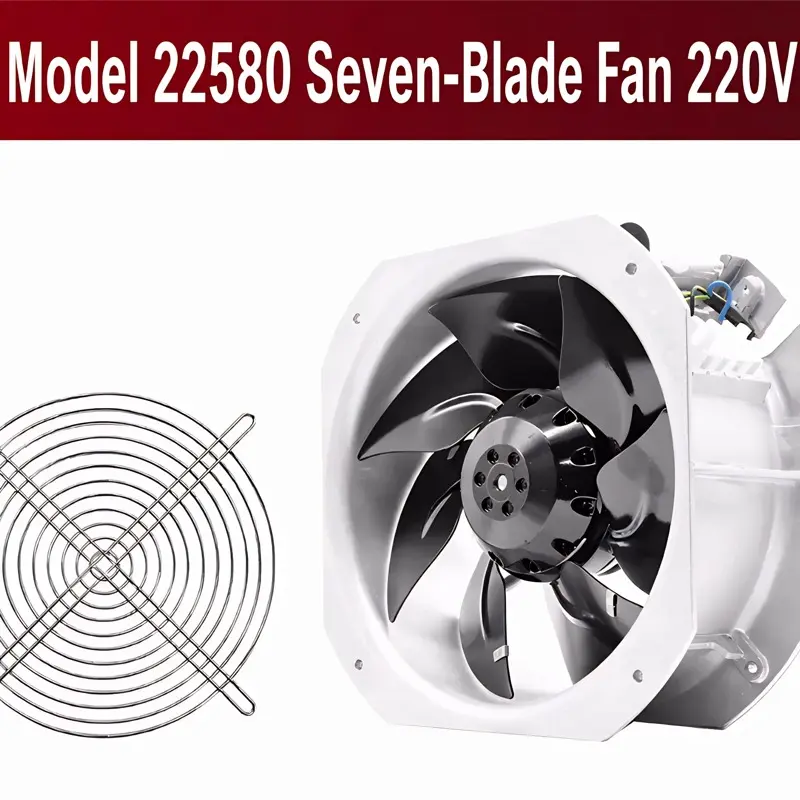
Cement cabinets choke on dust. Learn the filter rule for an industrial cabinet cooling fan: G4/F7 media, IP rating, and pre-filter care.

2026/10/07
Right wall-mount height for an industrial axial exhaust fan: room volume, free clearance, brackets, and recirculation control.

2026/10/08
An ec motor fan links to BMS via Modbus, 0-10V and PWM for demand-based cooling, energy scheduling and automatic sensor-driven speed control.
2026/10/06
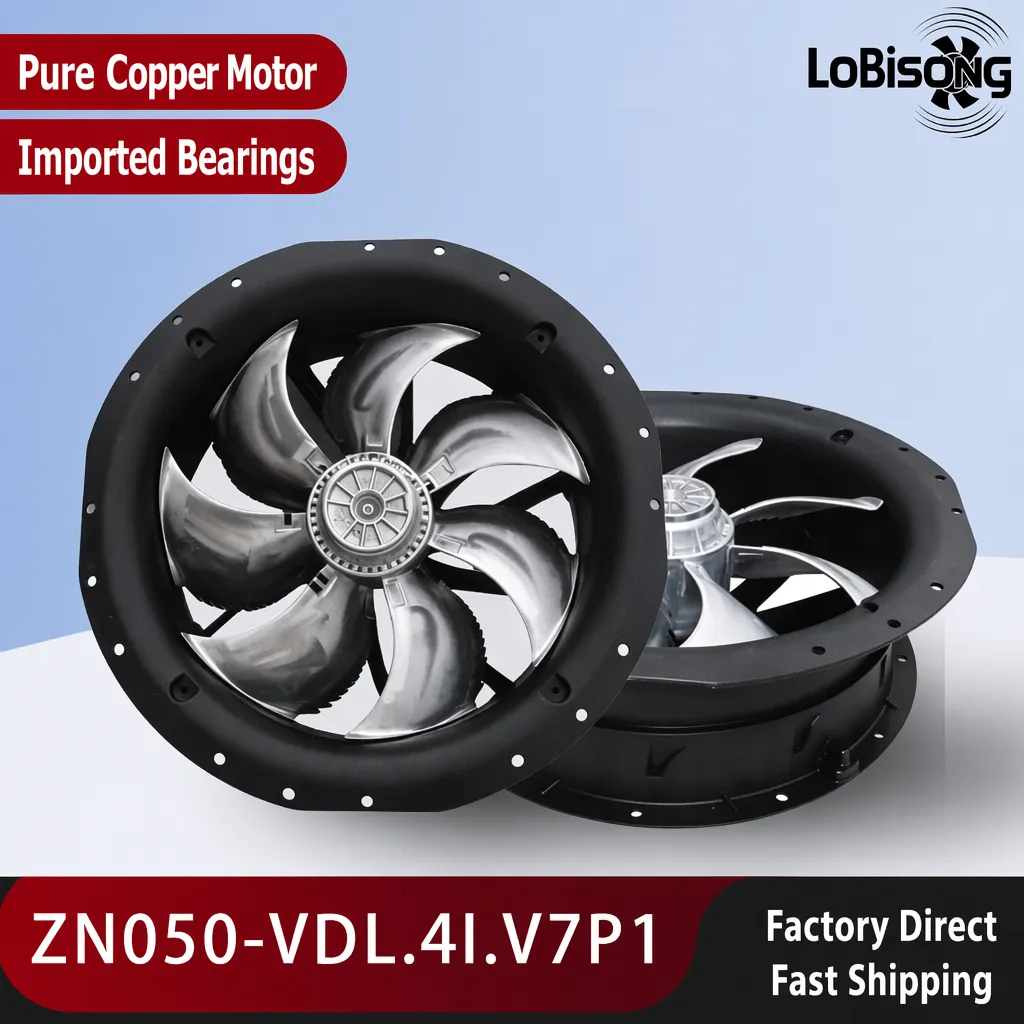
A radial exhaust fan removes grease, fumes, and odors from food-processing workshops with capture velocity and hygienic washdown design.
2026/10/05
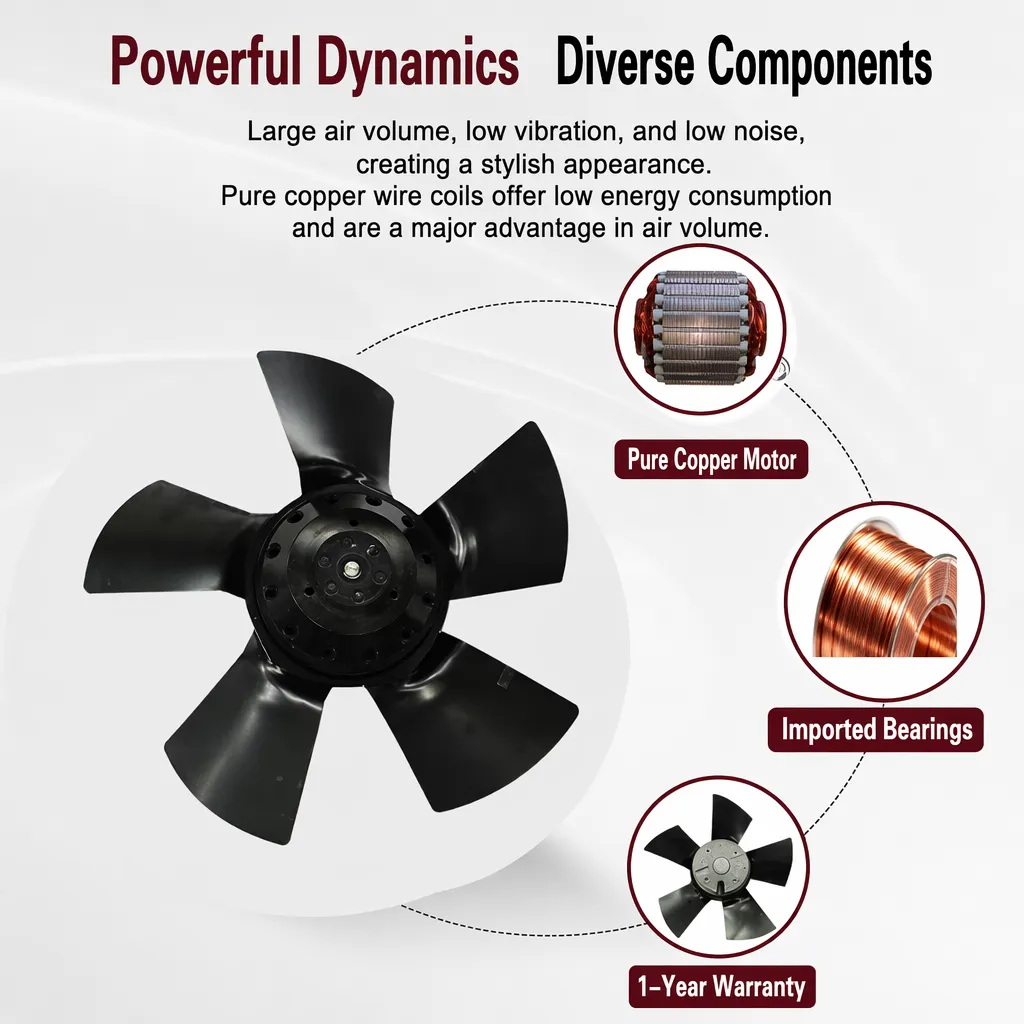
Learn antistatic treatment for industrial cabinet cooling fan in electronics workshops—ESD-safe housing, ionizable plastics, and cleanroom compatibility.
2026/10/04
Discover how a brushless dc servo delivers precise wind speed control for laboratory cooling fans with closed-loop PID feedback and laminar airflow.